Misc Management
Follow the guide below to update various information dropdown options.
-
Sign Into PIMS
-
Click On Admin -> Misc. You need to have Misc permissions in place.
-
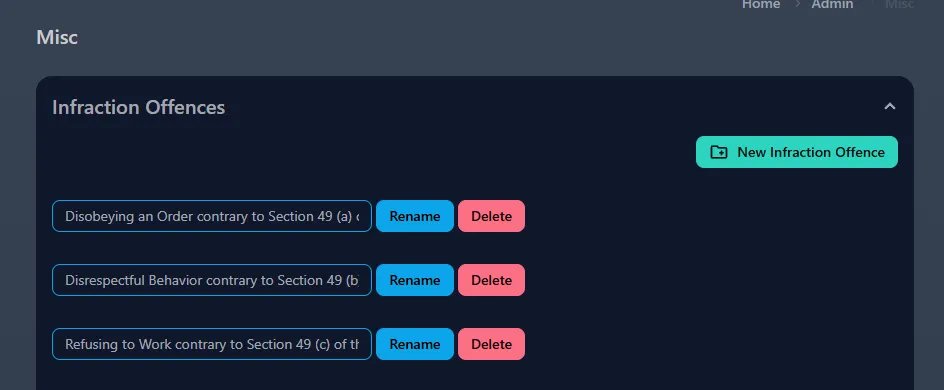
Click on any of the group and the dropdown will give you basic create, update, delete options.
-
These are simply just display labels for various items throughout PIMS.
Example: Updating Infraction Offences means making changes to the list of Infraction Offences that is shown when filling out an Infraction.