Admin Requests
Follow the guide below to manage PIMS requests and their approval flow.
- Sign Into PIMS
- Click On Admin -> Requests. You need to have Requests permissions in place.
- Click on any Request type. It will display an overview of the current approval process. You can also Create Approval which will create a new approval flow and disregard the previous approval.
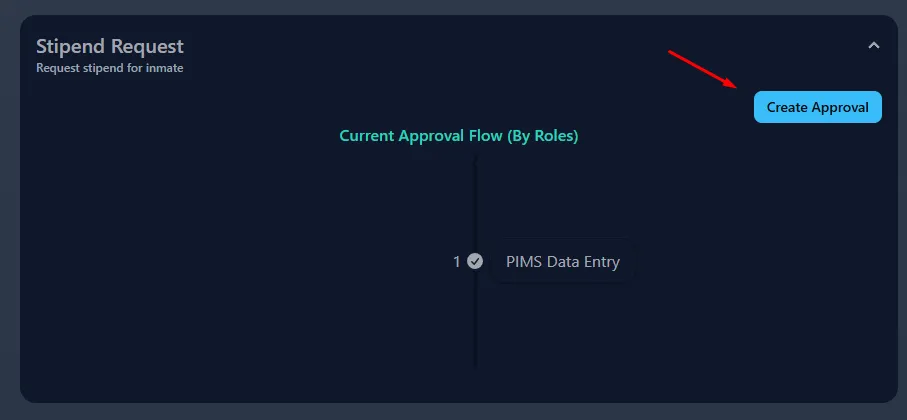
Create Approval
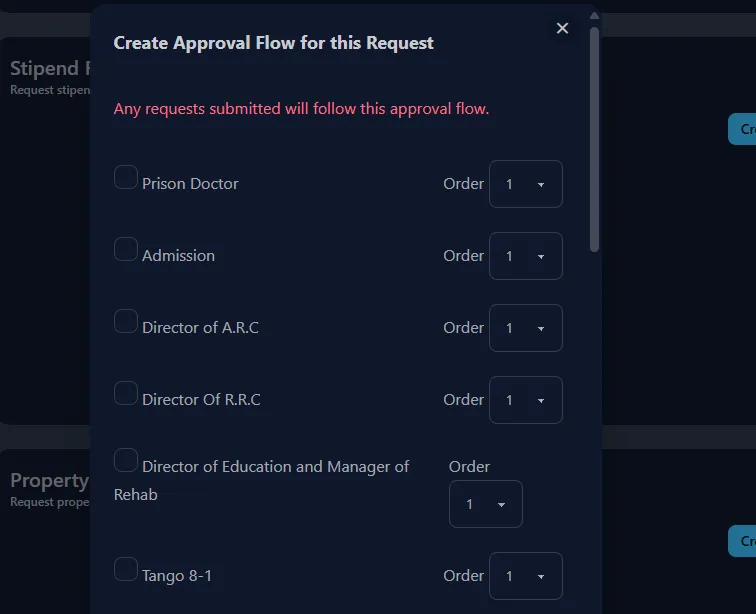
Click Create Approval. This will open a dialog with all the Roles available. Roles are used to determine who can approve/deny a request.