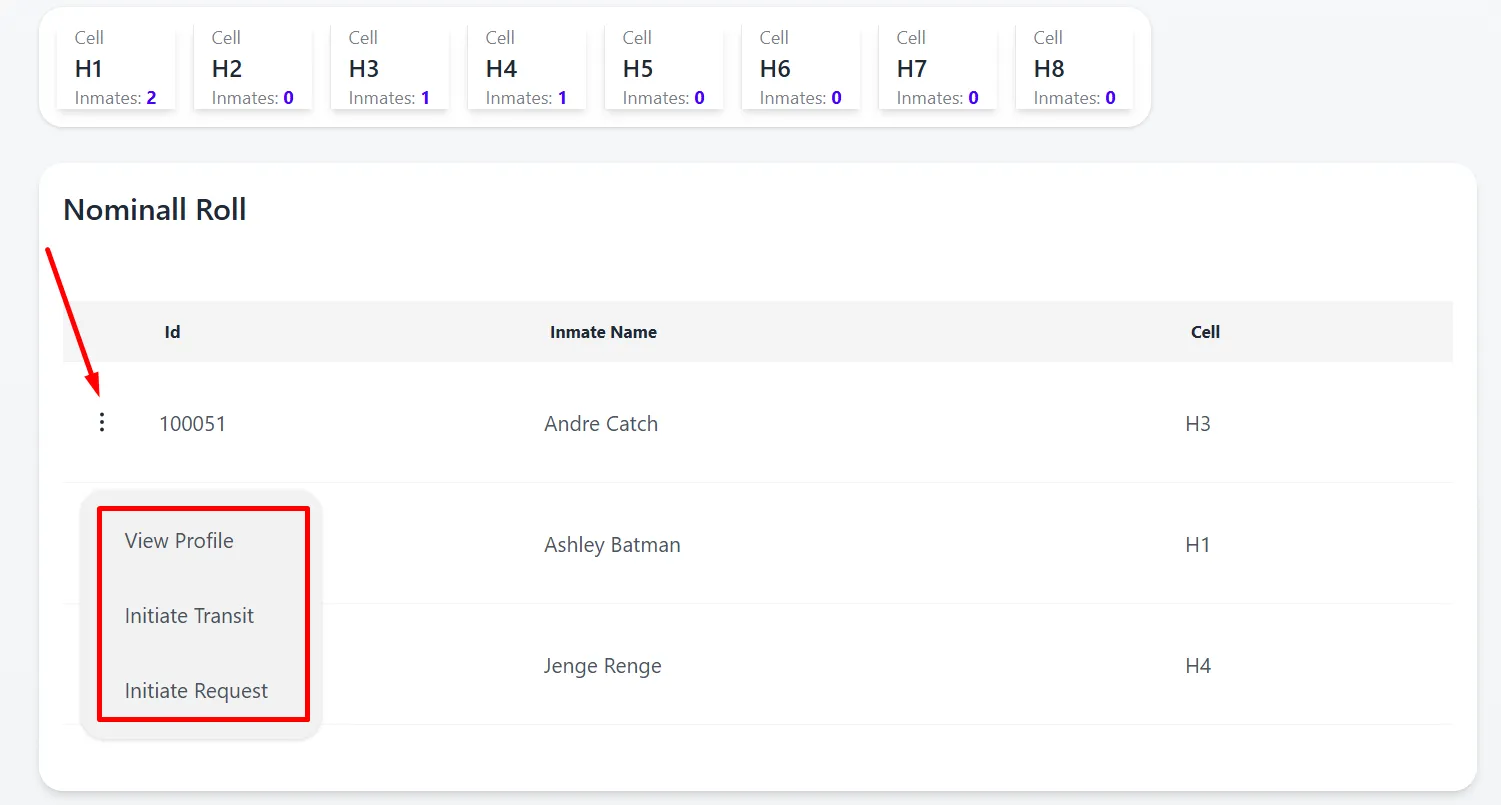
Processing Nominall Roll
Follow the guide below to process an inmate via PIMS.
-
Sign Into PIMS
-
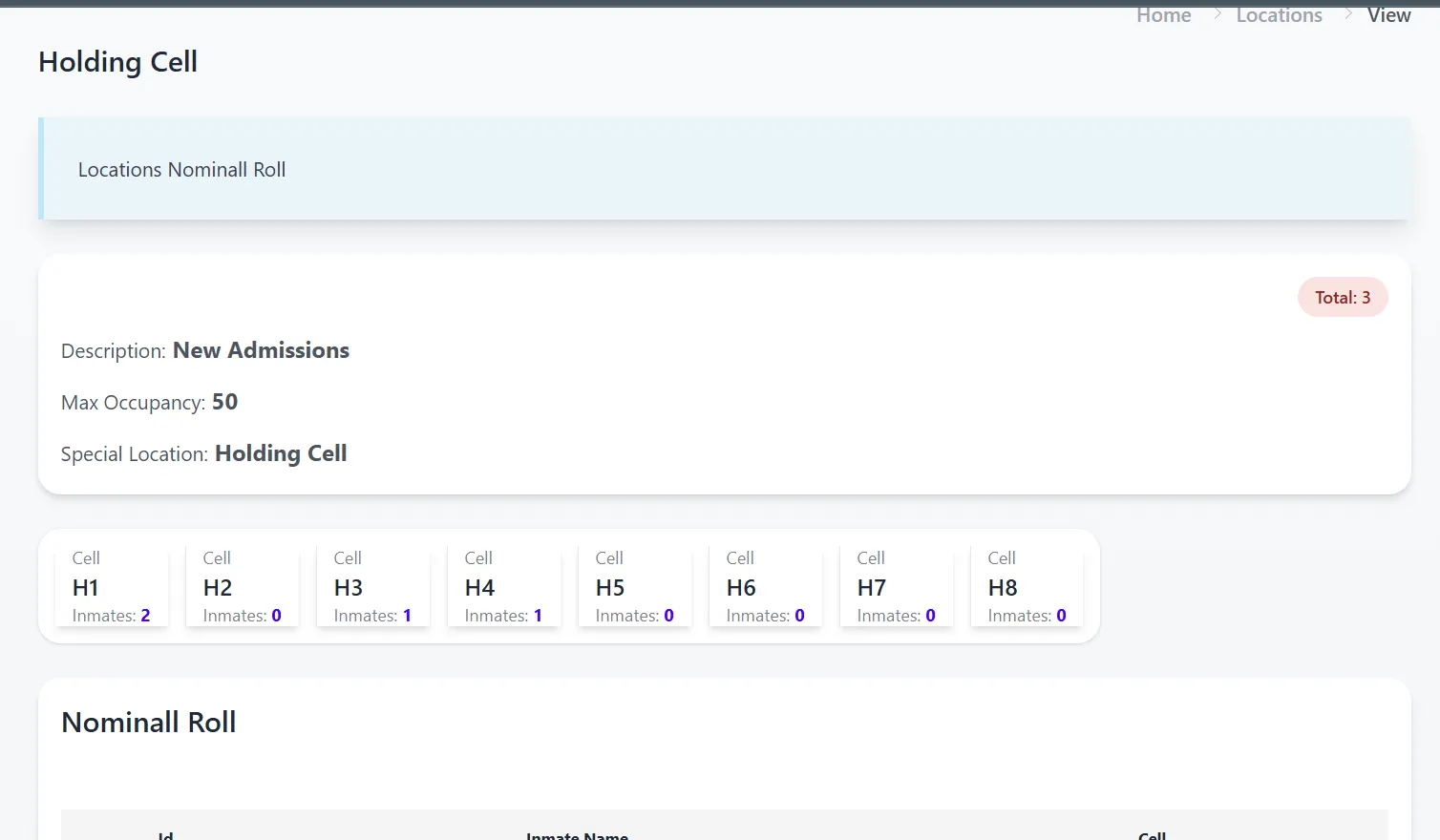
Click On Processing -> Holding Nominall Roll. This will provide a view of inmates in the special location Holding Cell.
-
Click on an Inmate in the Nominall Roll table view. Here you can either initiate a transit or request or view the inmate profile.